Because Aicrest runs its AI companion language model directly on the device, it requires relatively high-end hardware. In particular, the app currently depends on sufficient system memory and GPU support for the on-device runtime. On devices that do not meet these requirements, the model may fail to start or the app may not function as intended.
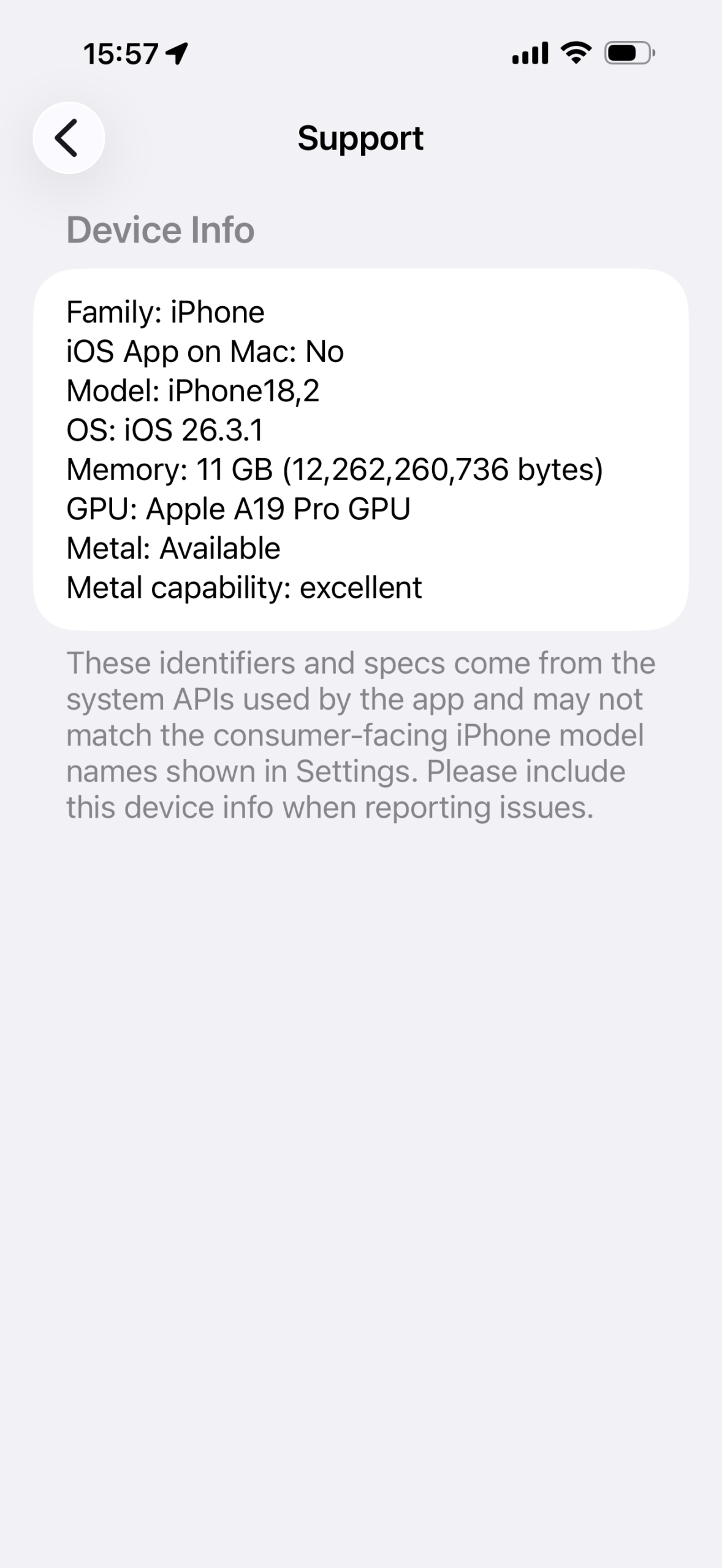
For reference, below are the devices we use to test Aicrest during development. These devices represent the level of hardware we currently expect for a reliable experience. You can see the device information of you device by going to Settings > Support > Device Info in Aicrest app.
iPhone 17 Pro Max
- Family: iPhone
- iOS App on Mac: No
- Model: iPhone18,2
- OS: iOS 26.3.1
- Memory: 11 GB (12,262,260,736 bytes)
- GPU: Apple A19 Pro GPU
- Metal: Available
- Metal capability: excellent
iPad Pro (12.9-inch) (6th generation)
- Family: iPad
- iOS App on Mac: No
- Model: iPad14,5
- OS: iPadOS 26.3.1
- Memory: 7 GB (7,883,423,744 bytes)
- GPU: Apple M2 GPU
- Metal: Available
- Metal capability: excellent
MacBook Air (M2)
- Family: mac
- iOS App on Mac: Yes
- Model: iPad8,6
- OS: iPadOS 26.3
- Memory: 24 GB (25,769,803,776 bytes)
- GPU: Apple M2
- Metal: Available
- Metal capability: excellent
OnePlus 15
- Device Family: phone
- Hardware Identifier: OP60FFL1/qcom
- OS Version: Android 16 (SDK 36)
- Physical Memory (Bytes): 15846404096
- Physical Memory (GiB): 14
- GPU Acceleration Available: true
- GPU Architecture: Adreno
- GPU Type: OpenGL ES 3.2
- GPU Capability: excellent
- GPU Libraries Available: OpenCL, Vulkan, OpenGL ES 3.2
- GPU Library Used by App: OpenCL (MLC on-device runtime)
- App GPU Library Status: Available